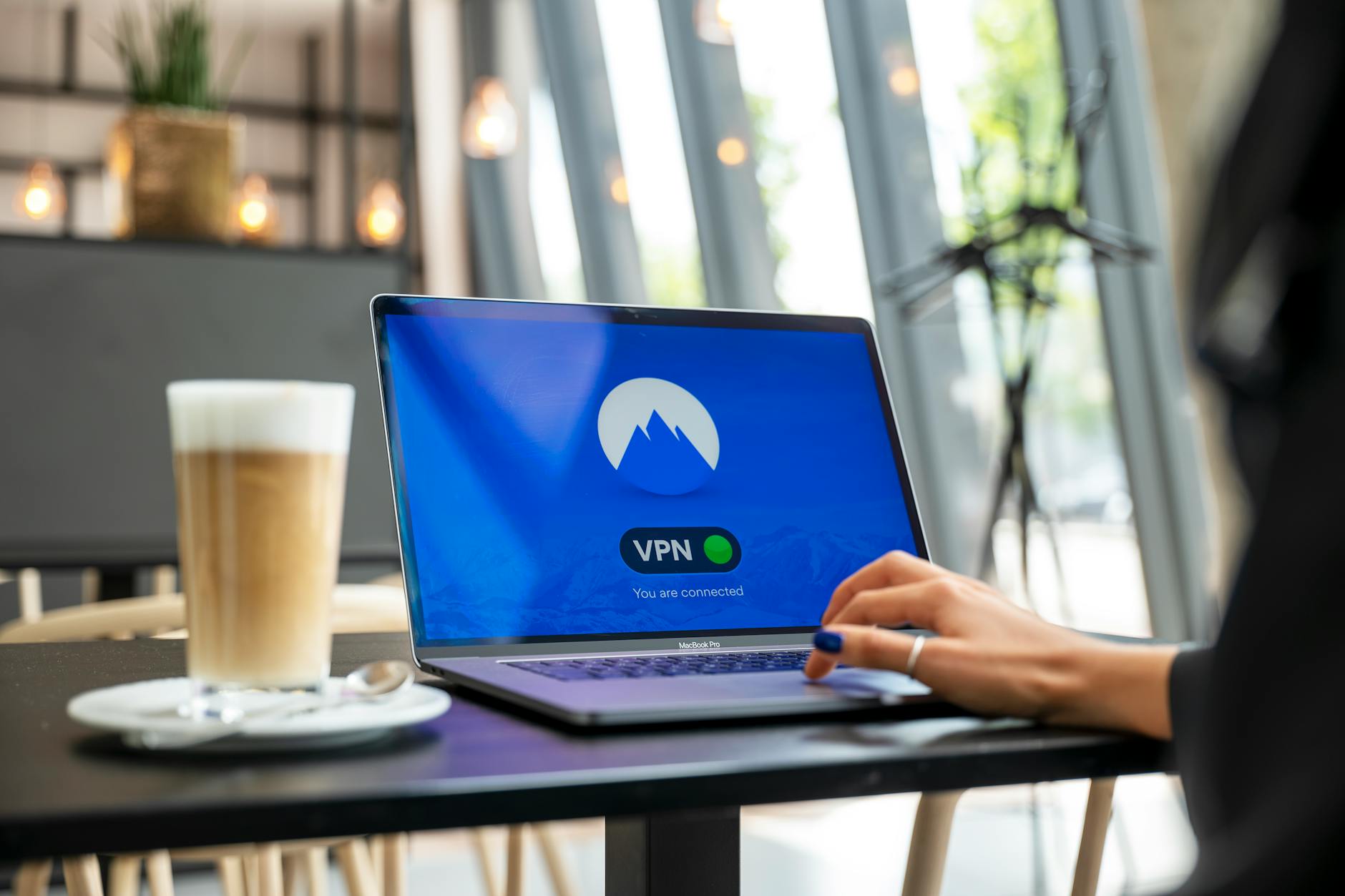
Browser VPNs Explained: When to Use Them, When to Skip Them (and Common Questions Answered)
Browser VPNs, often available as extensions for Chrome, Firefox, Edge, and other browsers, offer a convenient and lightweight way to encrypt your internet traffic and mask your IP address. Unlike full-fledged VPN applications that protect all network activity on your device, browser VPNs specifically secure only the traffic passing through that particular browser. This makes them ideal for quick, on-the-go security tasks, such as accessing geo-restricted content on a specific website, bypassing firewalls in public Wi-Fi hotspots, or adding an extra layer of privacy when browsing sensitive information in a shared environment. However, it's crucial to remember their limited scope: any activity outside that browser, like gaming or email clients, remains unprotected.
While their ease of use is a significant draw, browser VPNs come with inherent limitations that dictate when they should be skipped. For comprehensive online security and privacy, a full VPN application is almost always the superior choice. Browser VPNs are particularly ill-suited for activities requiring high-level anonymity or protection against sophisticated tracking, as they don't encrypt system-wide traffic or prevent DNS leaks outside the browser. Furthermore, many free browser VPNs may collect user data or introduce their own security vulnerabilities. Consider skipping a browser VPN if you need:
- System-wide encryption for all applications
- Robust protection against DNS leaks and WebRTC vulnerabilities
- Access to sensitive financial or personal data
- Guaranteed no-logging policies and transparent security audits
For these scenarios, investing in a reputable, paid VPN service is highly recommended.
A free VPN can be a tempting option for those looking to protect their online privacy and access geo-restricted content without incurring additional costs. However, it's important to understand the potential limitations and risks associated with such services. While a free VPN might seem like a great deal, many often come with slower speeds, data caps, and a smaller selection of server locations, which can hinder your internet experience.
Full VPNs Demystified: Practical Tips for Choosing and Using the Right One (and Why You Might Need It)
Navigating the world of Virtual Private Networks (VPNs) can feel daunting, but understanding their core function is the first step. A VPN creates a secure, encrypted tunnel between your device and the internet, masking your IP address and encrypting your online activities. This is crucial for anyone concerned about digital privacy, especially when using public Wi-Fi networks where data breaches are more common. Beyond security, VPNs unlock geo-restricted content, allowing you to access services and websites unavailable in your region. Consider a VPN as your personal digital guardian, shielding your data from prying eyes and empowering you with greater online freedom.
Choosing the right VPN involves careful consideration of several factors. Look for providers with a strong no-logs policy, ensuring your online activities aren't recorded. Server locations are also vital; more servers in diverse locations offer better connection speeds and access to a wider range of content. Additionally, evaluate features like kill switches, which automatically disconnect your internet if the VPN connection drops, and split tunneling, allowing you to choose which apps use the VPN. Don't simply opt for the cheapest option; invest in a reputable service that prioritizes your privacy and delivers robust performance.
Remember, your online security is worth the investment.